
An opponent that grows with your child: offline, no account and no ads, with a coach that shows a better move when a move goes wrong.
CZUBATRONIC is a Windows program, not an online service. Everything it needs is in the download.
After installation everything runs on the device. The program never calls home.
No sign-up, no email address, no data about your child.
No adverts, no strangers, no messages. Just the board and the computer.
One price, paid once. No subscription and no in-game purchases.
The built-in Pioneer engine has seven calibrated levels. Your child starts at the bottom and moves up a level as soon as the current one is beaten reliably.
No time pressure: with No Clock, every move takes as long as it needs.
Press COACH and someone looks over your child's shoulder, even when you can't. The coach checks every move. When a move loses material, it speaks up before the computer replies.
The display names the weak move, what it costs, and a better move.
The better move lights up as green dots on the board, square by square along its path.
"Take it back?" YES and it is your child's move again, NO and the move stands. The computer waits for the answer.
And at any time: HINT shows a suggestion on the board, TAKEBACK undoes the last move.
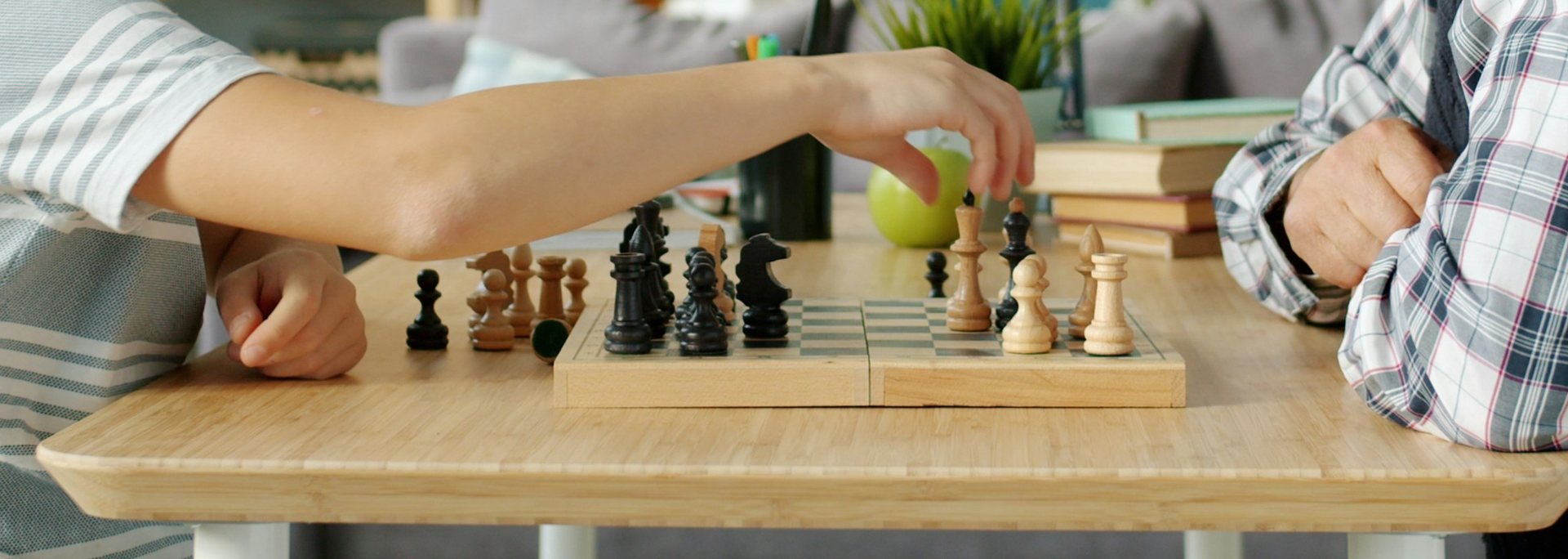
In Human vs Human mode two people play on the same device. FLIP turns the board to the other side.
Let two engines play each other and guess the next move together.
With the Board Edition an electronic chessboard on the table becomes the playing field.
Windows tablet, notebook or handheld: CZUBATRONIC works by touch or with mouse and keyboard, and also runs as a portable version from a USB stick.
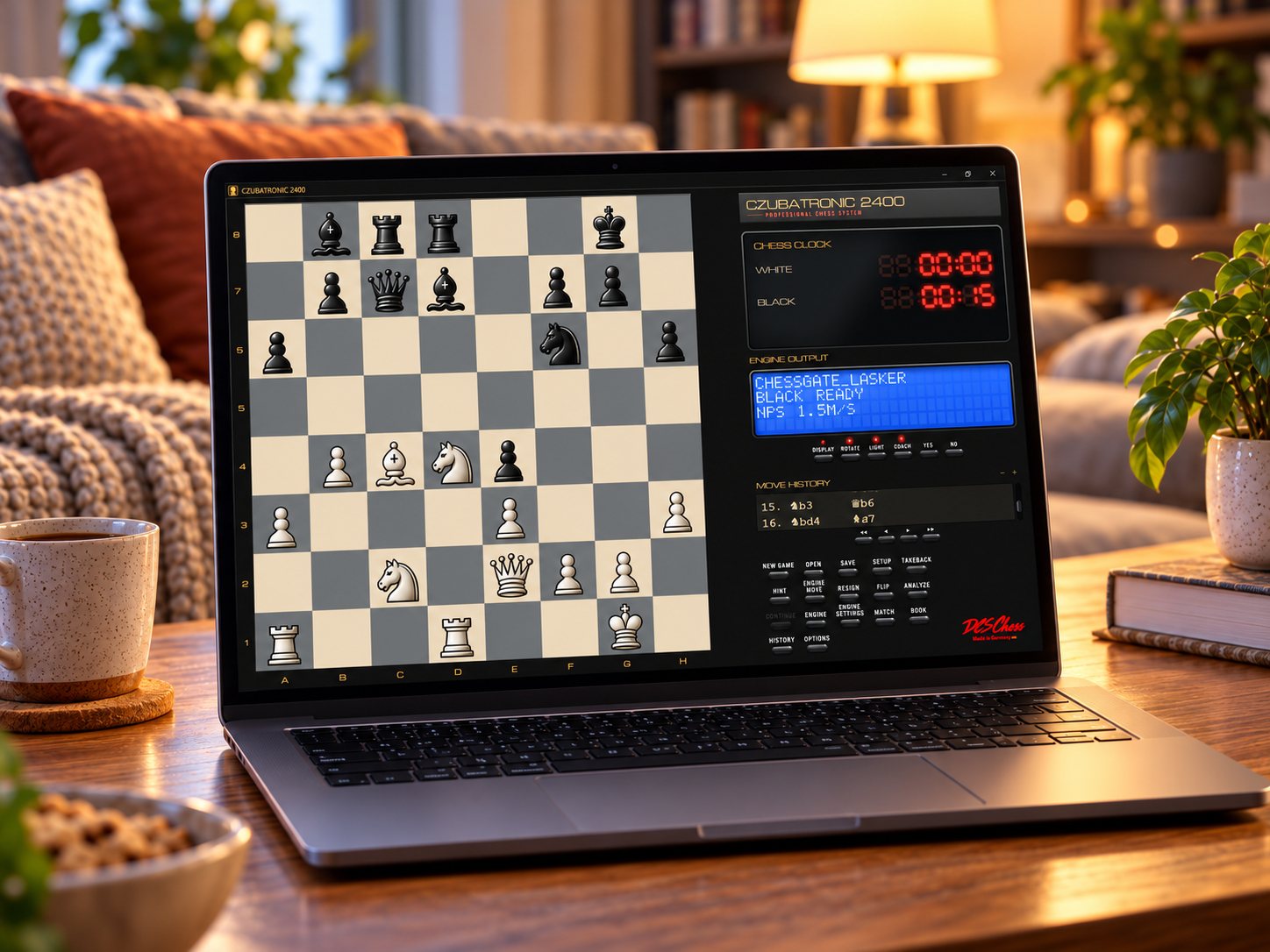
The Graphite scheme with a red LED clock. On the display the ChessGate Lasker personality stands ready. Play with the touchpad, a mouse or the keyboard.
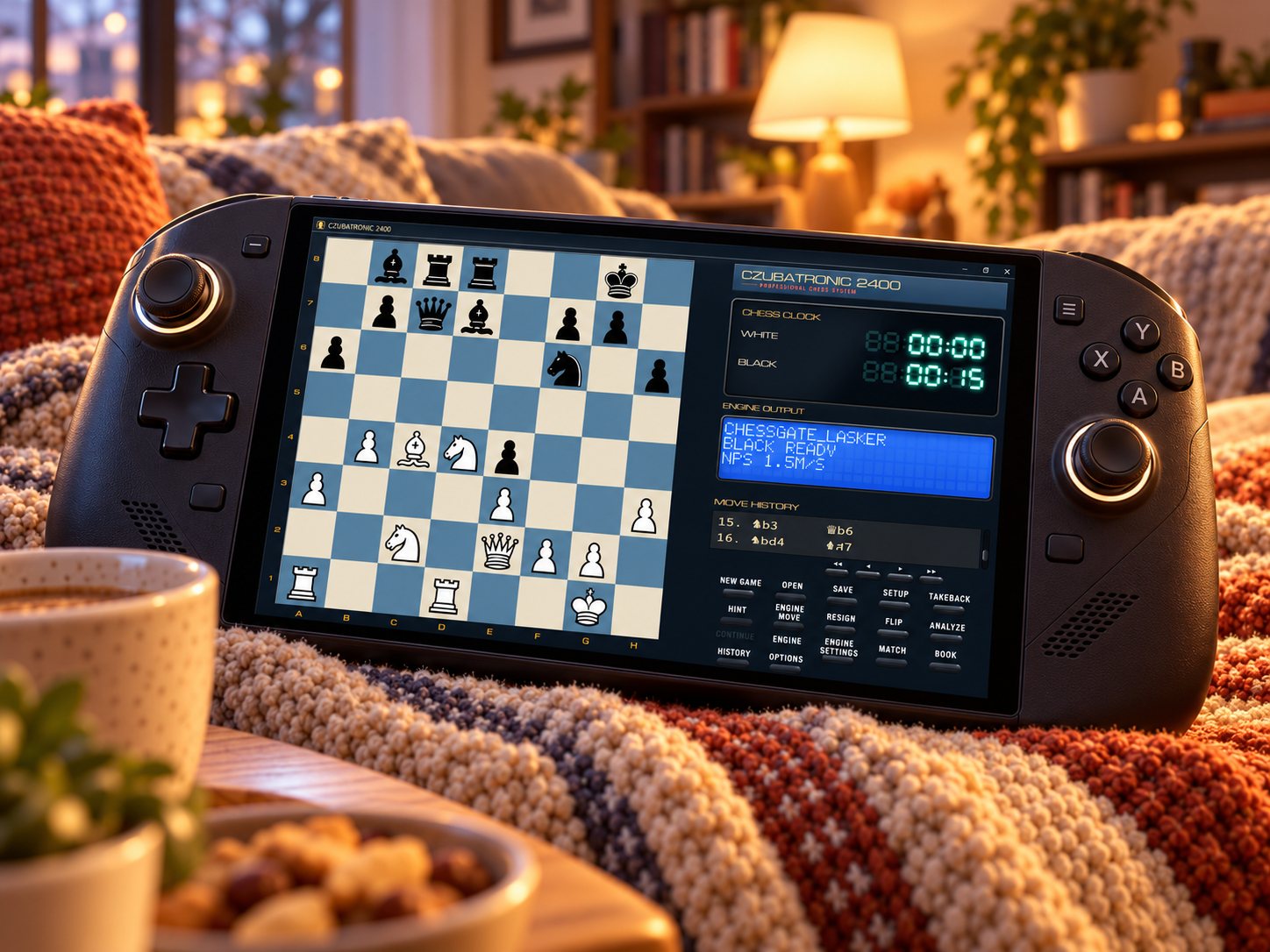
The Blue scheme on a Windows handheld: the whole console in two hands, played by touch. The console adapts to any screen size.
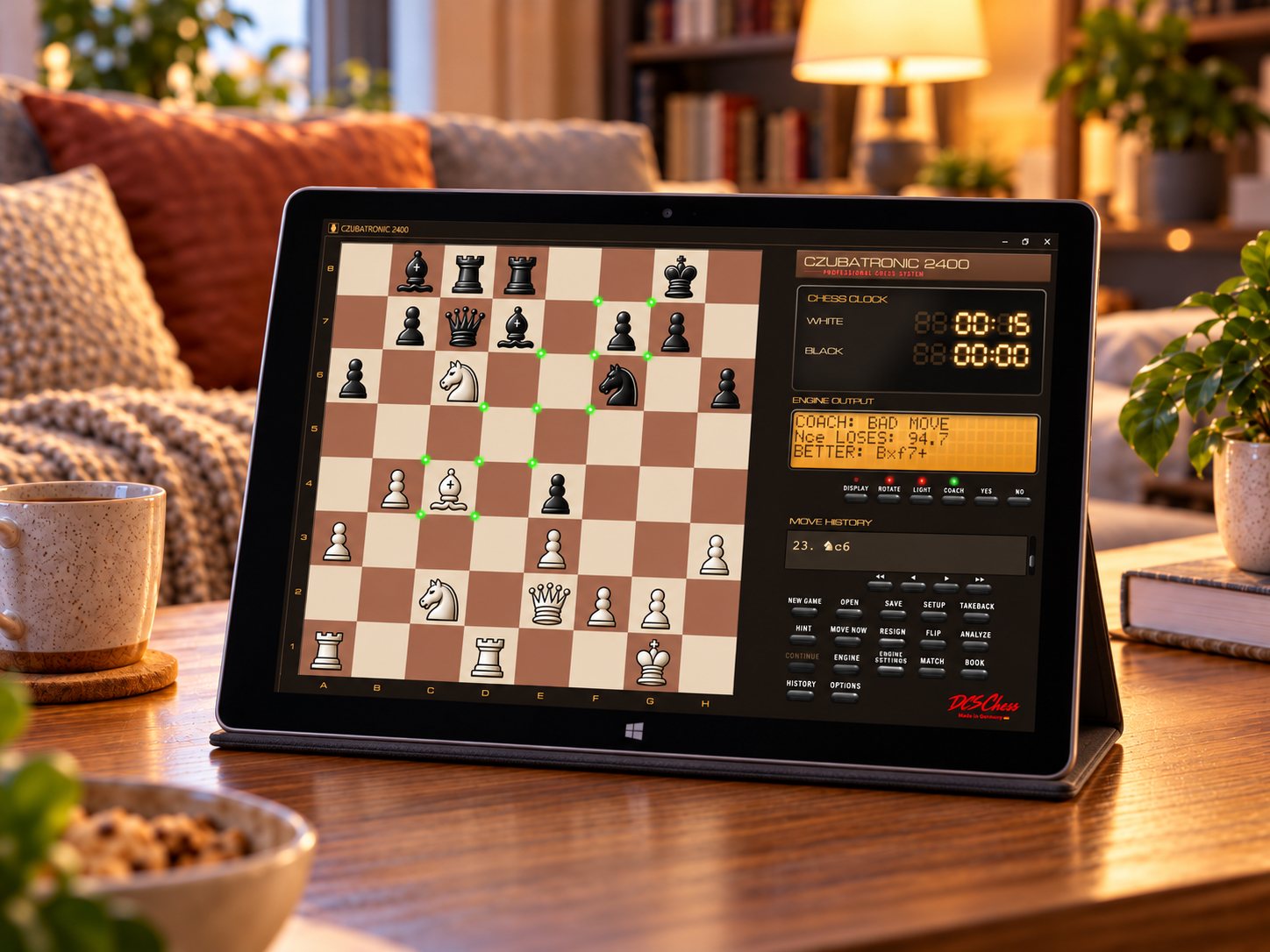
The Walnut scheme. After a weak move the coach shows on the display what the move costs and names a better one. Green dots trace its path on the board.
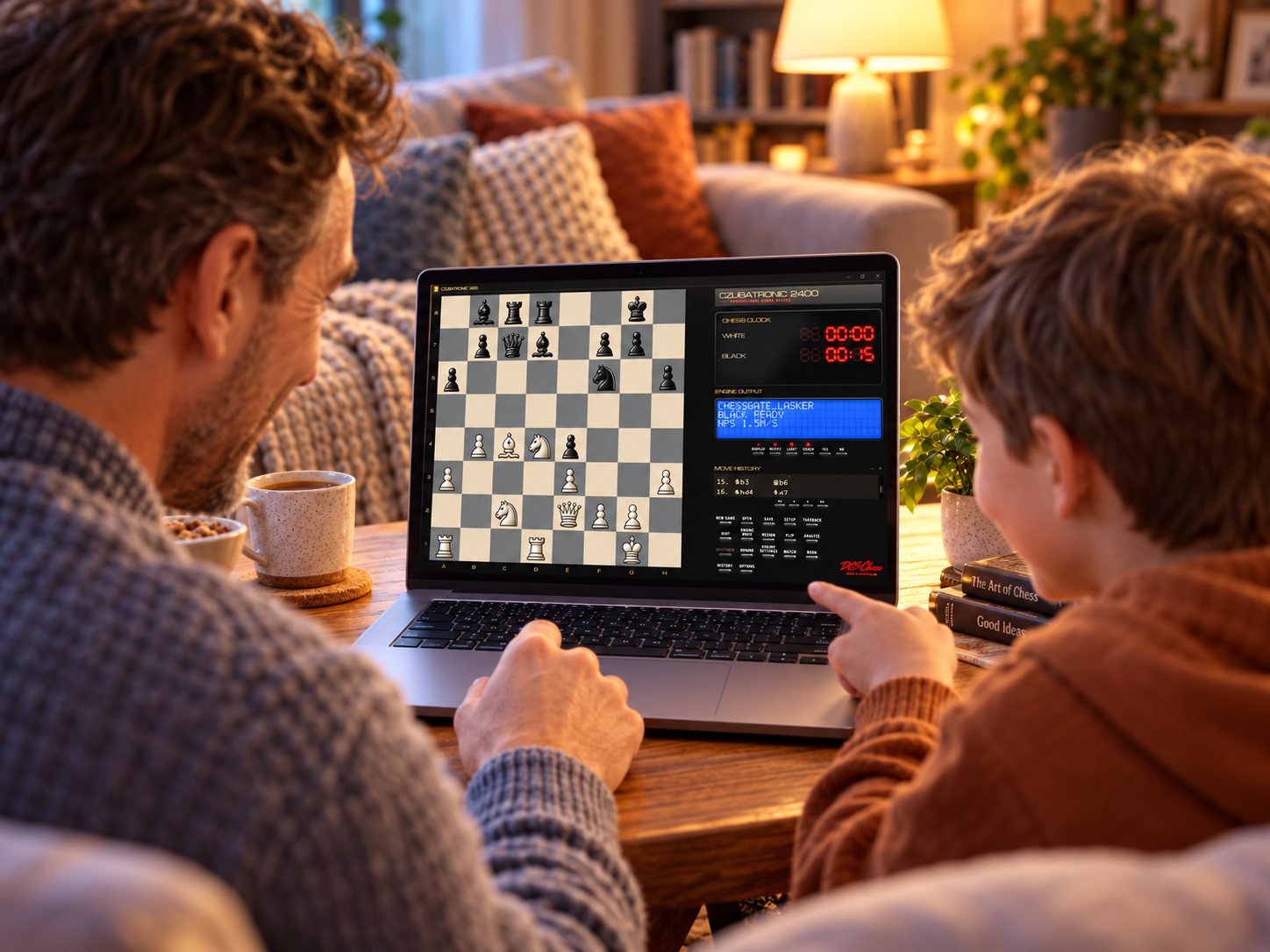
The child points at the move it wants to play while the adult thinks along. The opponent can be a personality like Lasker or an easy Pioneer level.
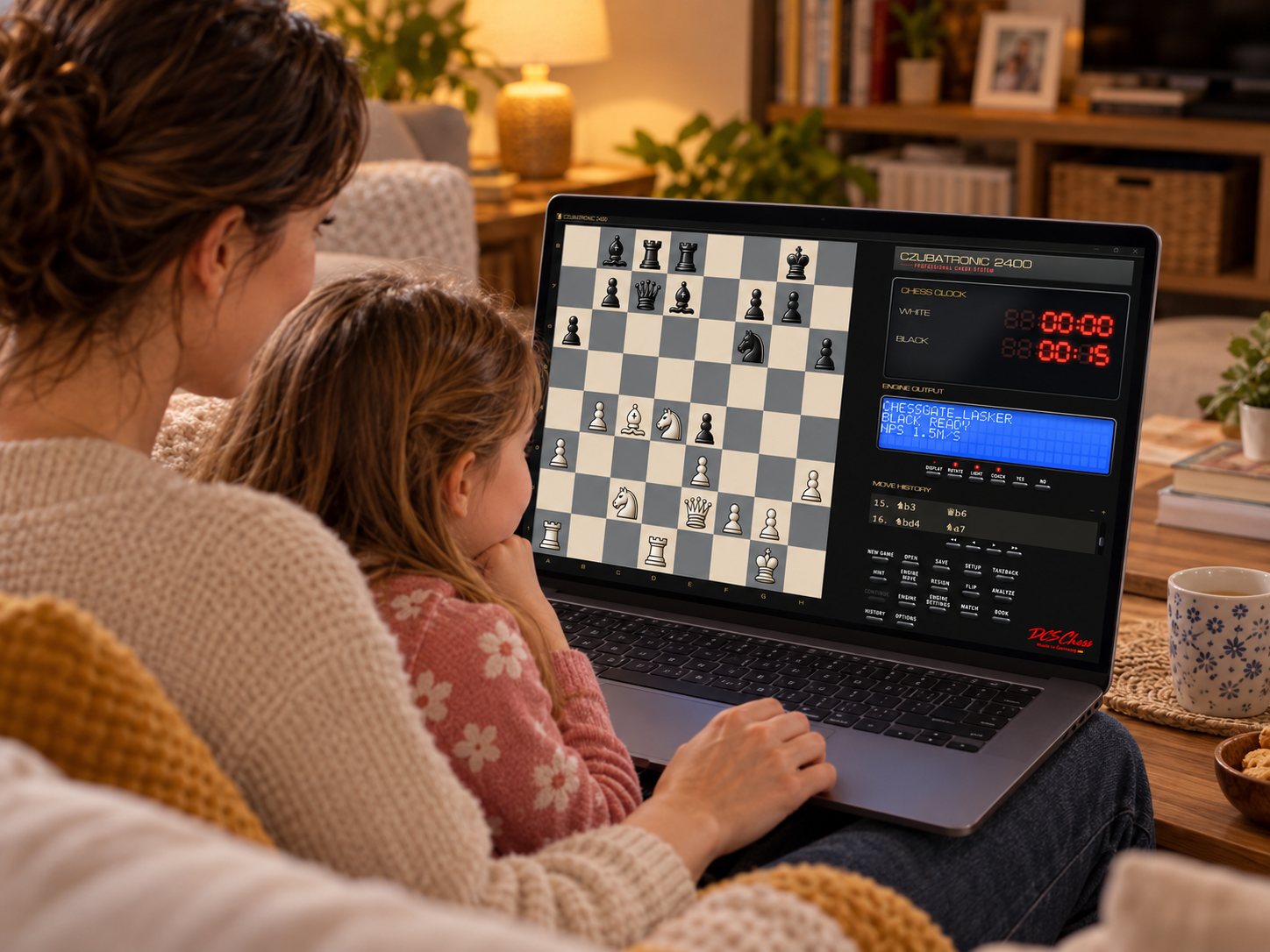
The daughter studies the position while her mother works the touchpad. On the display ChessGate Lasker stands ready.
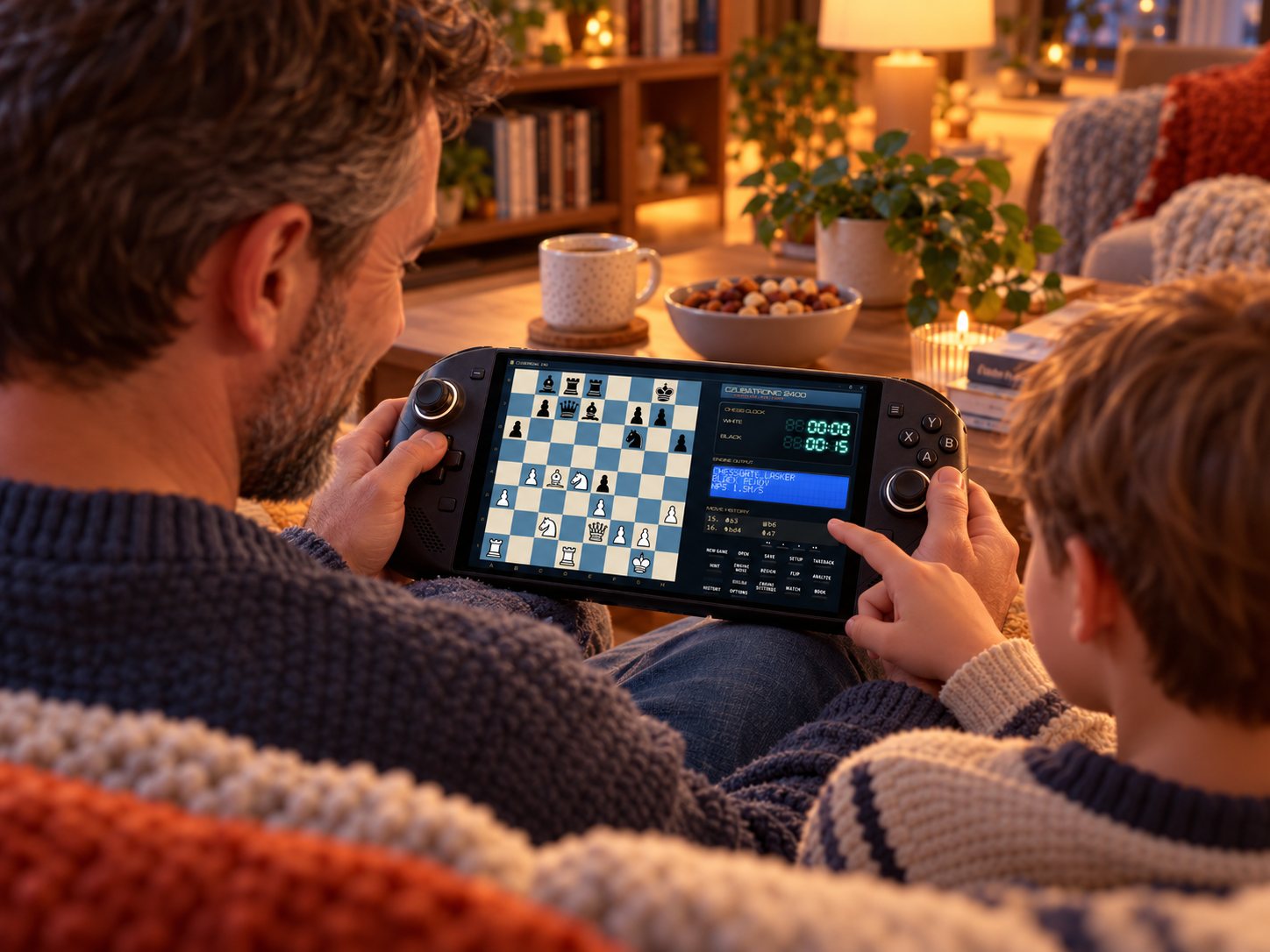
In Human vs Human mode parent and child play each other on the same device, or they team up against the computer.
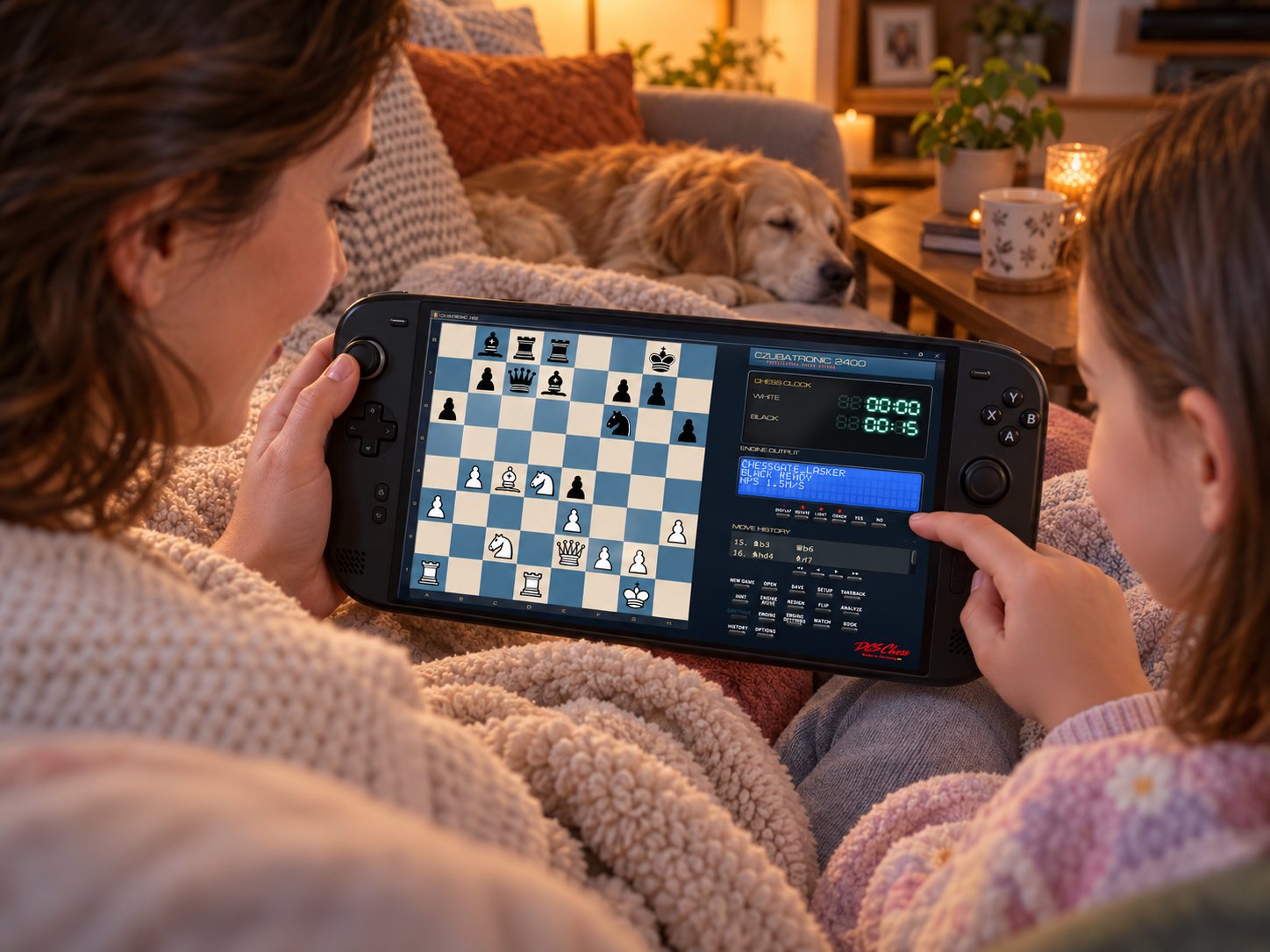
The mother holds the handheld, the daughter taps her move on the screen. No internet, no ads, just the game.
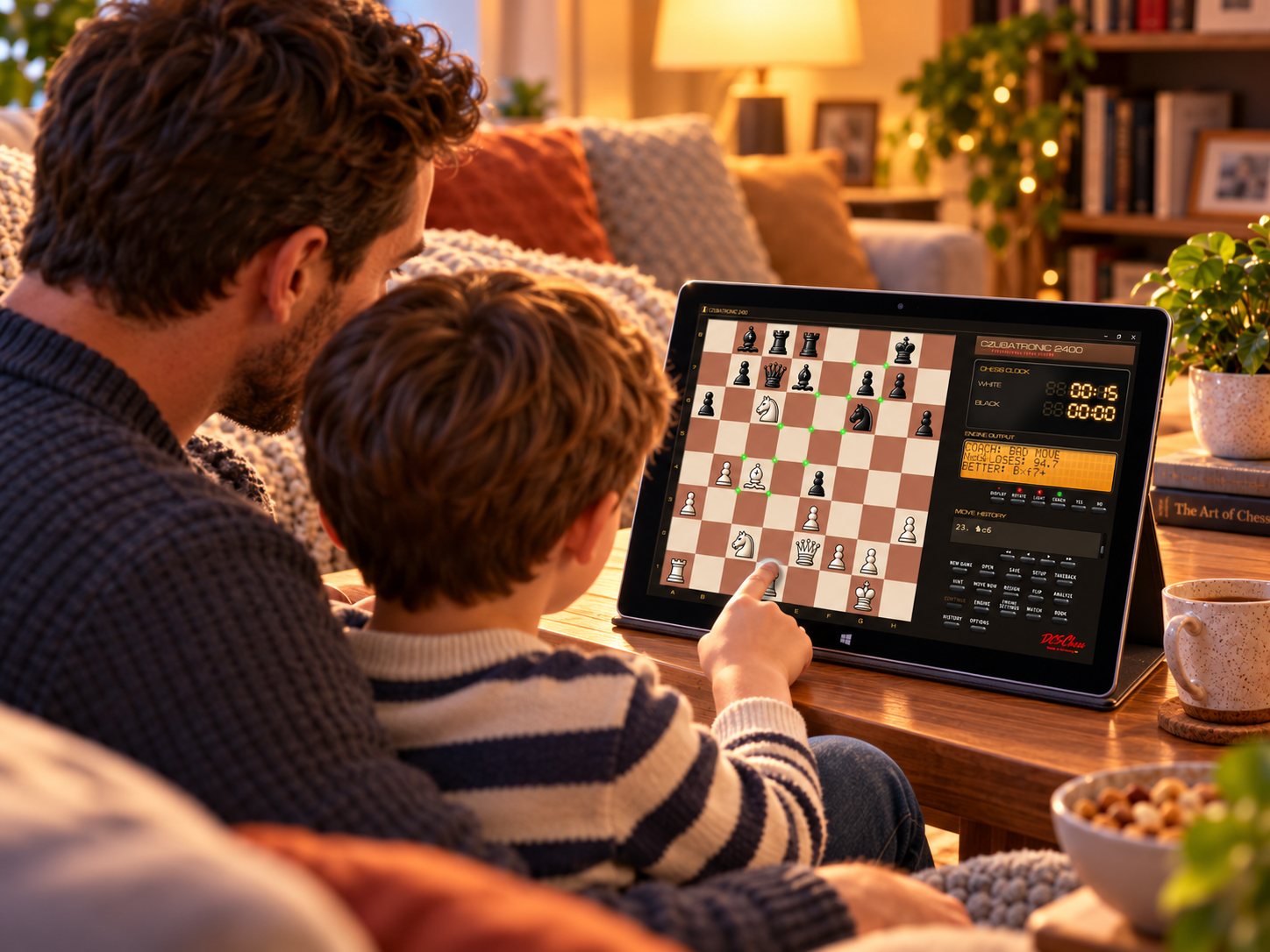
The coach has spotted a weak move and shows a better one. YES takes the move back, and the child tries again.
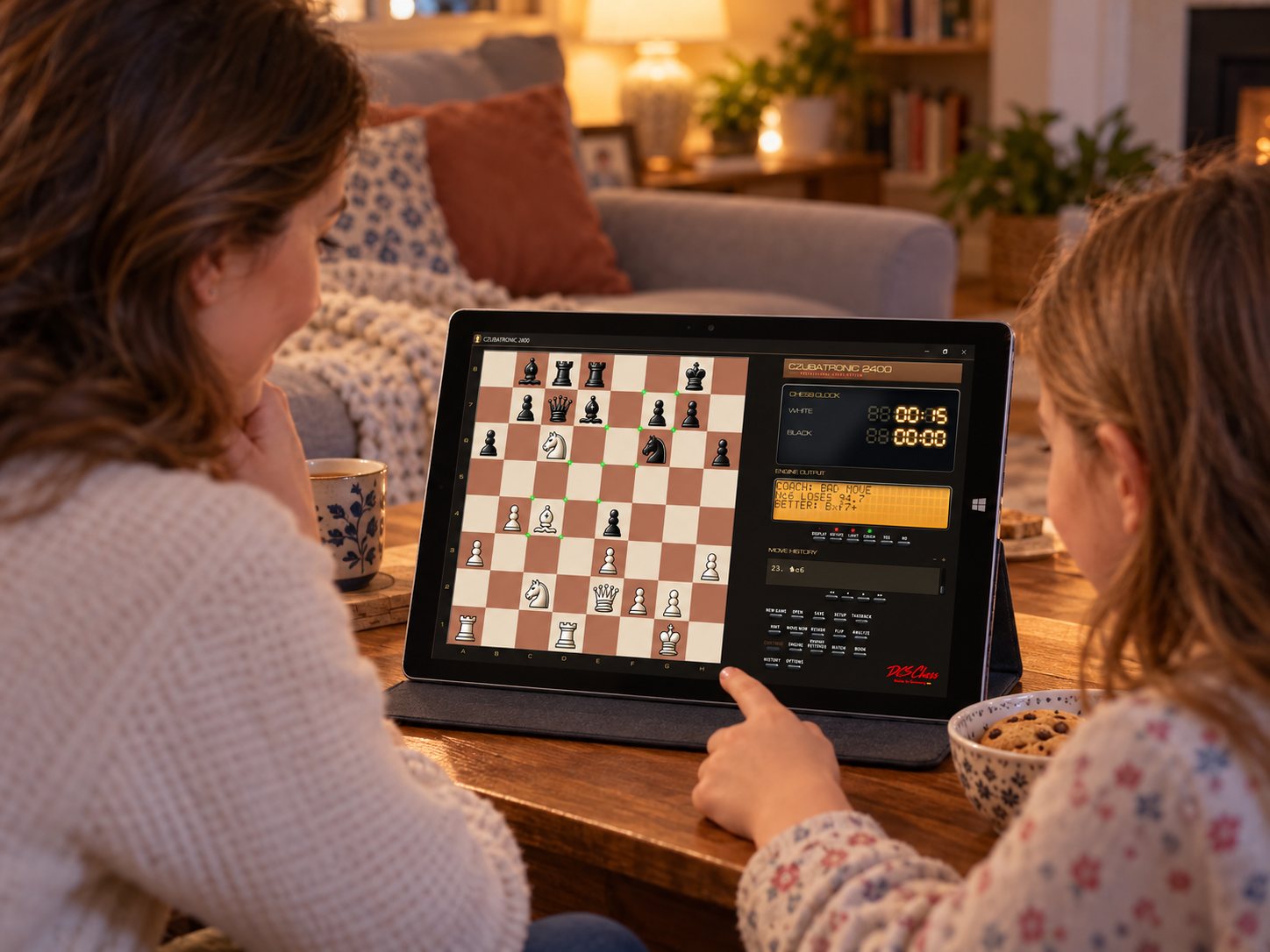
The coach has flagged a weak move and names a better one on the display. Green dots trace its path, and the daughter follows it on the board.
CZUBATRONIC looks like a 1980s chess computer: a clock with seven-segment digits, lights that show the move, a display where the computer "thinks". Every game is also a small history lesson.
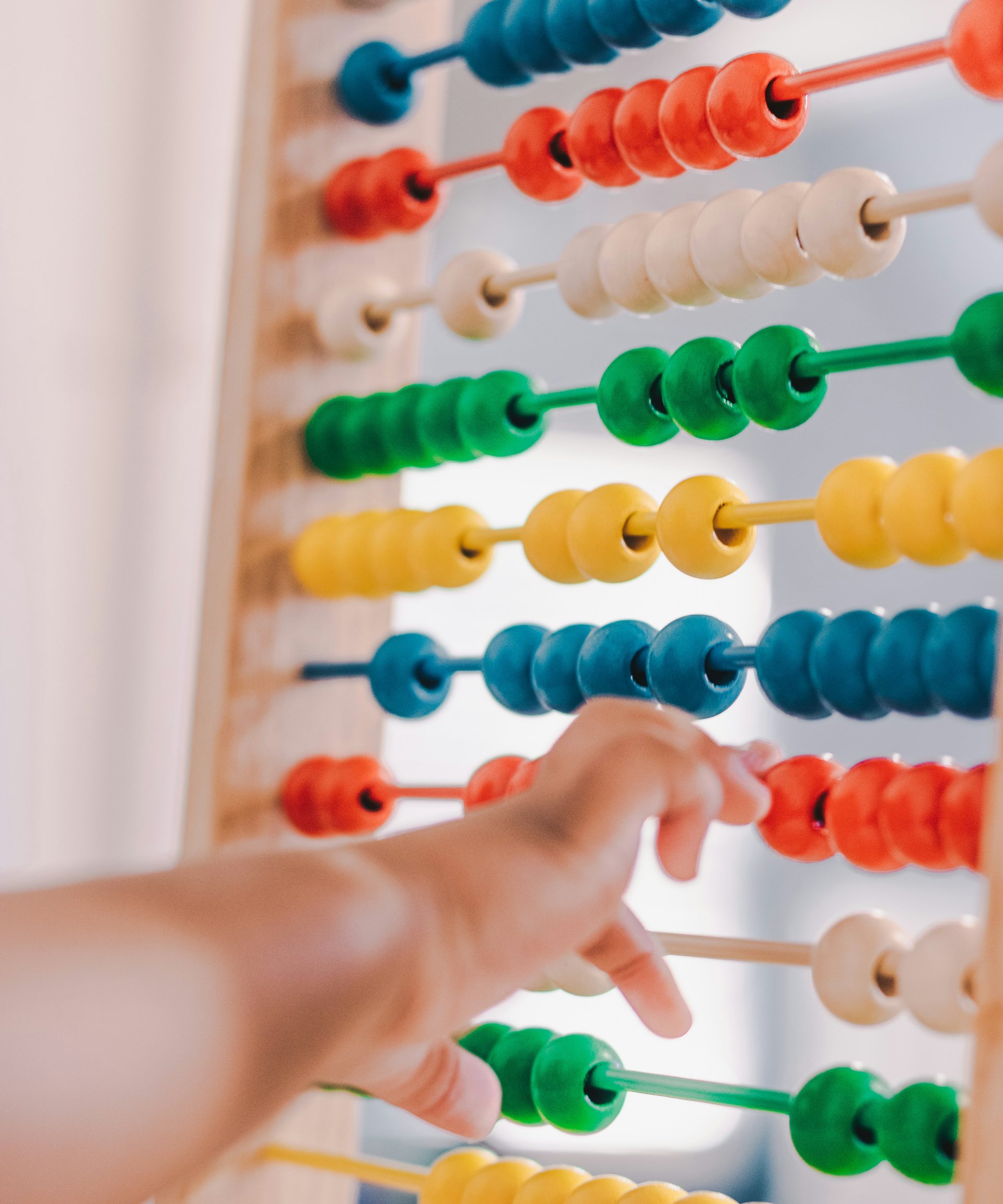
Counting by hand: people have used the abacus for thousands of years. Machines that play chess existed only in dreams.
The mathematician Claude Shannon describes how a computer could play chess. Alan Turing writes a chess program on paper and works it through by hand.
The first chess computers for the home: a box with keys and lights that plays against you.
Home computers move into children's rooms. Thorsten Czub's program Capa runs on Amstrad, Atari and PC, and lives on today in CZUBATRONIC.
The computer Deep Blue wins a match against world champion Garry Kasparov.
Chess programs on any phone are stronger than any human. Neural networks learn chess by playing against themselves.
With the ChessGate personalities your child plays against the style of famous players, rebuilt from their own games. Every personality has a story.
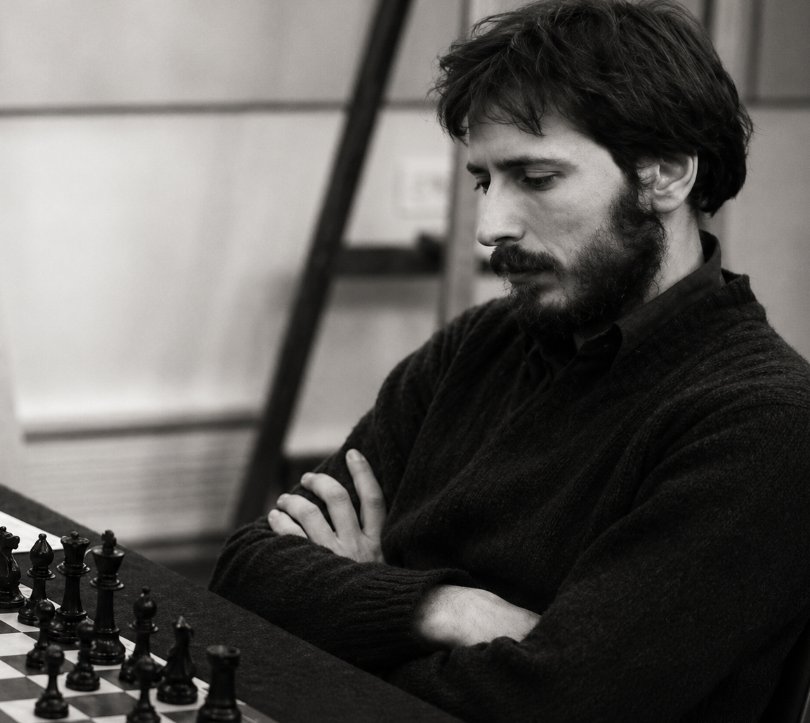
The Unorthodox. English IM and chess teacher famous for refusing to play normal openings, 1.g4, 1.a3, the St. George Defence, all his children.

The Magician from Riga. Brilliant attacker who sacrificed pieces with abandon. World Champion 1960–1961.
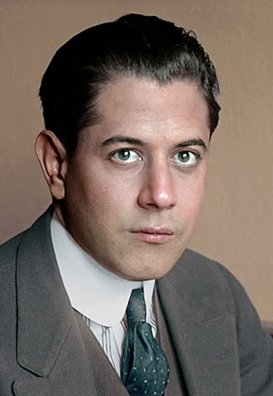
The Chess Machine. Cuban genius known for effortless play. World Champion 1921–1927.
Only for the download. After that everything runs on the device, without a connection.
No. There are no in-program purchases, no ads and no subscription.
No. There is no sign-up, and the program sends no data.
Windows 10 and 11 (64-bit): tablets, notebooks, handhelds and PCs, by touch or with a mouse.
Choose the Pioneer engine at the Novice level, play without a clock (No Clock) and switch the coach on with the COACH key.
The beta is free now. The finished version is planned at €79, paid once. The product is in preparation and the price may change before launch.
Download the beta, play the first game together and see how the coach helps.